
Whether you’re a novice developer or a veteran coder, a solid portfolio can get you the job that your résumé can only dream about. In 2025, technology recruiters aren’t just looking for a certificate — they’re looking for what you can do Developer Portfolio.
- Why a Developer Portfolio Is So Important
- What Hiring Managers Look for in 2025
- Step 1: Choose the Right Platform for Your Portfolio
- Best Options
- Step 2: Keep the Design Simple and Professional
- Design Best Practices
- Step 3: Choose the Right Projects (This is Important)
- Best Types of Projects
- Sample Projects
- Step 4: Describe Each Project Clearly
- Project Description Checklist
- Step 5: Display Your Tech Stack
- Add a Skills Section
- Step 6: GitHub Profile Matters A LOT
- GitHub Best Practices
- Add a Profile README
- Step 7: Deploy Your Projects (Very Important)
- Free Deployment Platforms
This is your step-by-step instruction to creating a portfolio that not only looks awesome, but gets you that job.
🎯 Why a Portfolio Is Crucial
In today’s competitive technology era, your portfolio:
- Show your coding skills with real projects
- Showcases your creativity and flair
- Helps one stand out in job hunting and freelancing work
- Establishes your online reputation as a developer
- A LinkedIn page is wonderful. But a current portfolio tells a thousand words.
Step 1: Choose the Correct Tech Stack
Your portfolio website must only reveal the technologies that you really want to work with.
If you are a front-end developer, then apply:
- HTML, CSS, JavaScript
- Libraries like React or Vue
- Tailwind CSS or Bootstrap for styling
If interested in full stack,
Add Node.js, Express, MongoDB, or Firebase
Add backend logic, authentication, and APIs
✅ Be simple, responsive, and fast.
Step 2: Add These 5 Must-Have Pages
Home Page
→ Quick intro, clean design, call to action
About Me
→ Share your story: How you got interested in coding, what you like to make
Projects
→ Most important page — emphasize 3–6 projects (live + GitHub links)
Resume
→ Provide a downloadable PDF and a readable page version
Contact
→ Form, LinkedIn, GitHub, and optionally email
Tip: Add social icons at the footer for convenient access.
Step 3: Emphasize Projects That Count
Your projects are your proof of skill. Strive for: At least one full-stack web application (if available)
A clone project (Spotify, Netflix, etc.)
Something innovative or solution-based (e.g., to-do aid with AI)
A group build or collaborative project if you have it
Map each project to GitHub + Live Demo
Use screenshots and short descriptions
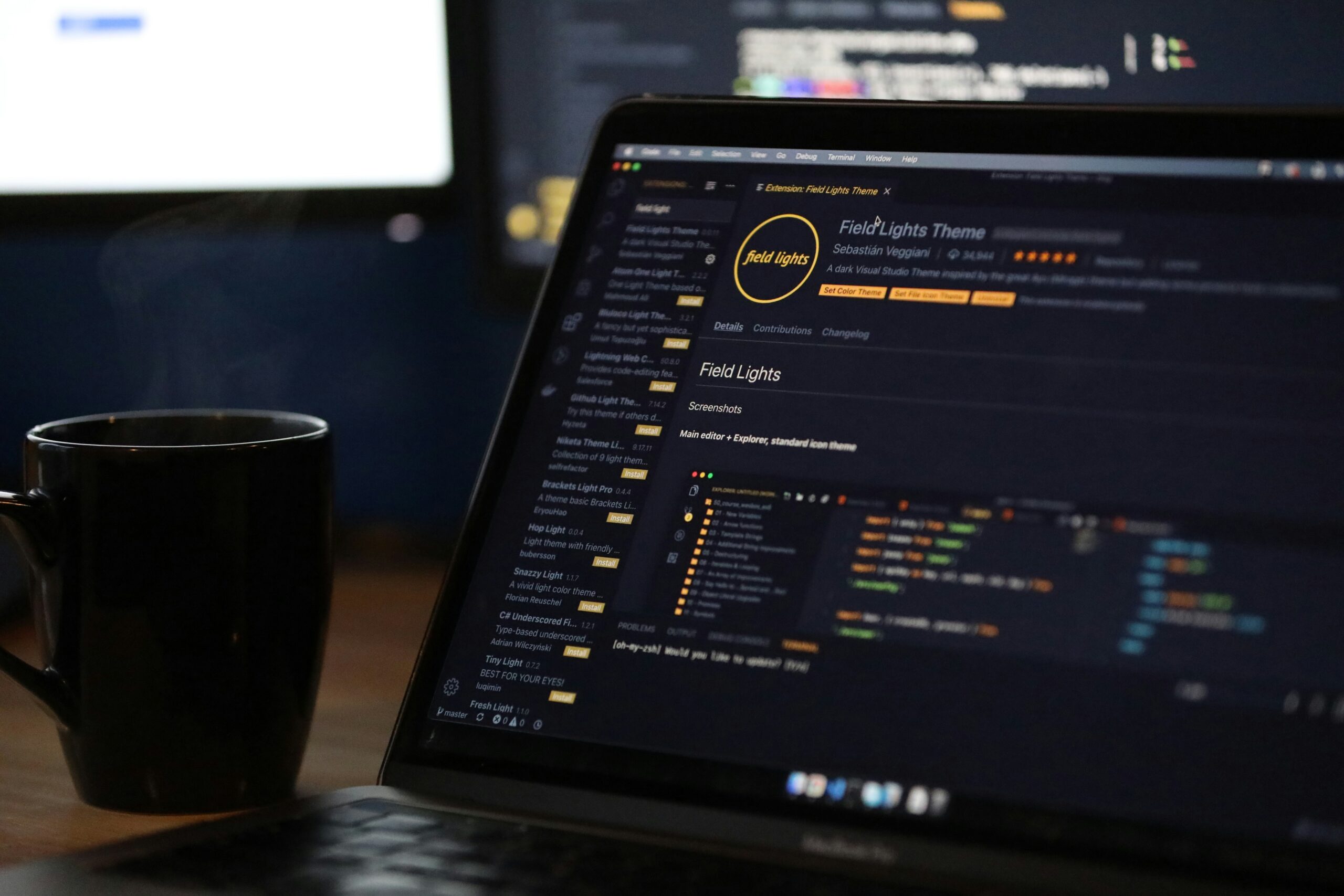
Step 4: Design Matters — But Don’t Overdo It
- Use clean layouts, white space, and modern fonts.
- Tools like: Figma (prototyping for design)
- Tailwind CSS (responsive, speedy UI)
- Font Awesome (for icons)
✅ Ensure your site is mobile-friendly. Responsive design is not optional.
Step 5: SEO + Performance Optimization
- Don’t forget to: Add a custom domain (yourname.dev or .tech)
- Meta tags (description, title) optimization
- Use proper alt text on images
- Compress images (use TinyPNG)
- Test using Lighthouse
⚡ Google prefers quick, neat, semantic websites.
Bonus: What to Submit for Hiring Managers Blog Section → Article on technology, tutorials, or case studies Testimonials → From peers, clients, or mentors Certifications → Put in section or link to PDF of credentials GitHub Stats → Use widgets like GitHub Readme Stats Show that you’re interested, curious, and constantly learning.
💡 Tools to Help You Build
- GitHub Pages — Free hosting
- Netlify or Vercel — Easy CI/CD
- Canva — Create graphics/logos
- Fontshare — Stylish free fonts
- Coolors — Color palette generator
Your portfolio is your virtual handshake — the initial impression most hiring managers will have. Take the time, be yourself, and show your problem-solving capabilities through code.
In 2025, having a good developer portfolio is more important than resumes and diplomas. Employers are no longer interested in what you have studied but what you are capable of creating.
Whether you are a beginner, a self-taught developer, a student, or a freelancer, this guide will help you create a developer portfolio that lands you interviews and job offers.
Why a Developer Portfolio Is So Important
Hiring in the tech industry is skill-centric.
Portfolios are used by recruiters to:
- Assess actual coding skills
- Test problem-solving skills
- Review project organization and code quality
- Learn about your tech stack
- Test communication skills
A strong portfolio will help you:
✅ Overcome a weak resume
✅ Stand out among hundreds of applicants
✅ Get shortlisted faster
What Hiring Managers Look for in 2025
Hiring managers don’t expect perfection. They look for:
- Clean and readable code
- Real-world problem-solving skills
- Project ownership
- Consistency and growth
- Basic security and performance concepts
- Clear explanations
💡 3 good projects > 15 bad projects
Step 1: Choose the Right Platform for Your Portfolio
Your portfolio needs to be accessible, fast, and professional.
Best Options
- Personal website (recommended)
- GitHub profile (must-have)
- GitHub Pages / Netlify / Vercel (free hosting)
🔗 Bonus: Use a custom domain (optional but impressive).
Step 2: Keep the Design Simple and Professional
Developers are hired for skills, not animations.
Design Best Practices
- Clean layout
- Easy navigation
- Mobile responsive
- Fast loading
- Readable fonts
- Dark/light mode optional
❌ Avoid:
- Overloaded animations
- Music
- Popups
- Fancy but confusing UI
Step 3: Choose the Right Projects (This is Important)
Projects should showcase actual skills, not tutorials.
Best Types of Projects
- CRUD applications (Create, Read, Update, Delete)
- Authentication systems
- APIs & Integrations
- Dashboards
- Practical tools
- Clone projects with enhancements
Sample Projects
- Task manager with authentication
- Blog CMS with admin panel
- E-commerce cart system
- Weather app with public API
- Portfolio CMS for yourself
💡 Enhance tutorial projects to give them a twist.
Step 4: Describe Each Project Clearly
Every project must address these questions:
Project Description Checklist
- What problem does it solve?
- What technologies were used?
- What features does it have?
- What challenges did you face?
- What did you learn?
Example
“Built a full-stack task manager with user authentication, role-based access, REST API, and database integration. Implemented JWT auth and input validation.”
This is thinking, not just coding.
Step 5: Display Your Tech Stack
Hiring managers scan quickly.
Add a Skills Section
- Languages: HTML, CSS, JavaScript, Python, PHP
- Frameworks: React, Node.js, Laravel
- Databases: MySQL, MongoDB
- Tools: Git, GitHub, Postman
- Basics: REST APIs, Authentication, SEO
❌ Don’t list skills you have no experience with.
Step 6: GitHub Profile Matters A LOT
Your GitHub is your developer identity.
GitHub Best Practices
- Clean README.md
- Meaningful commit messages
- Organized repositories
- Proper folder structure
- Comments where necessary
Add a Profile README
Introduce yourself, your skills, and your goals.
Step 7: Deploy Your Projects (Very Important)
Undeployed projects appear incomplete.
Free Deployment Platforms
- Netlify
- Vercel
- GitHub Pages
- Render
- Railway
A live demo:
✅ Builds trust
✅ Saves recruiter time
✅ Displays confidence
At FlymingoTech, we believe developers don’t have to be coders — they should be creators. Your portfolio is your canvas. Get out and make it beautiful.